April 10, 2026 • Declan Harte • 9 min reading time • Specs verified June 5, 2026
Signal Boosters for Renters: No Roof Access, No Problem — But Know the Limits
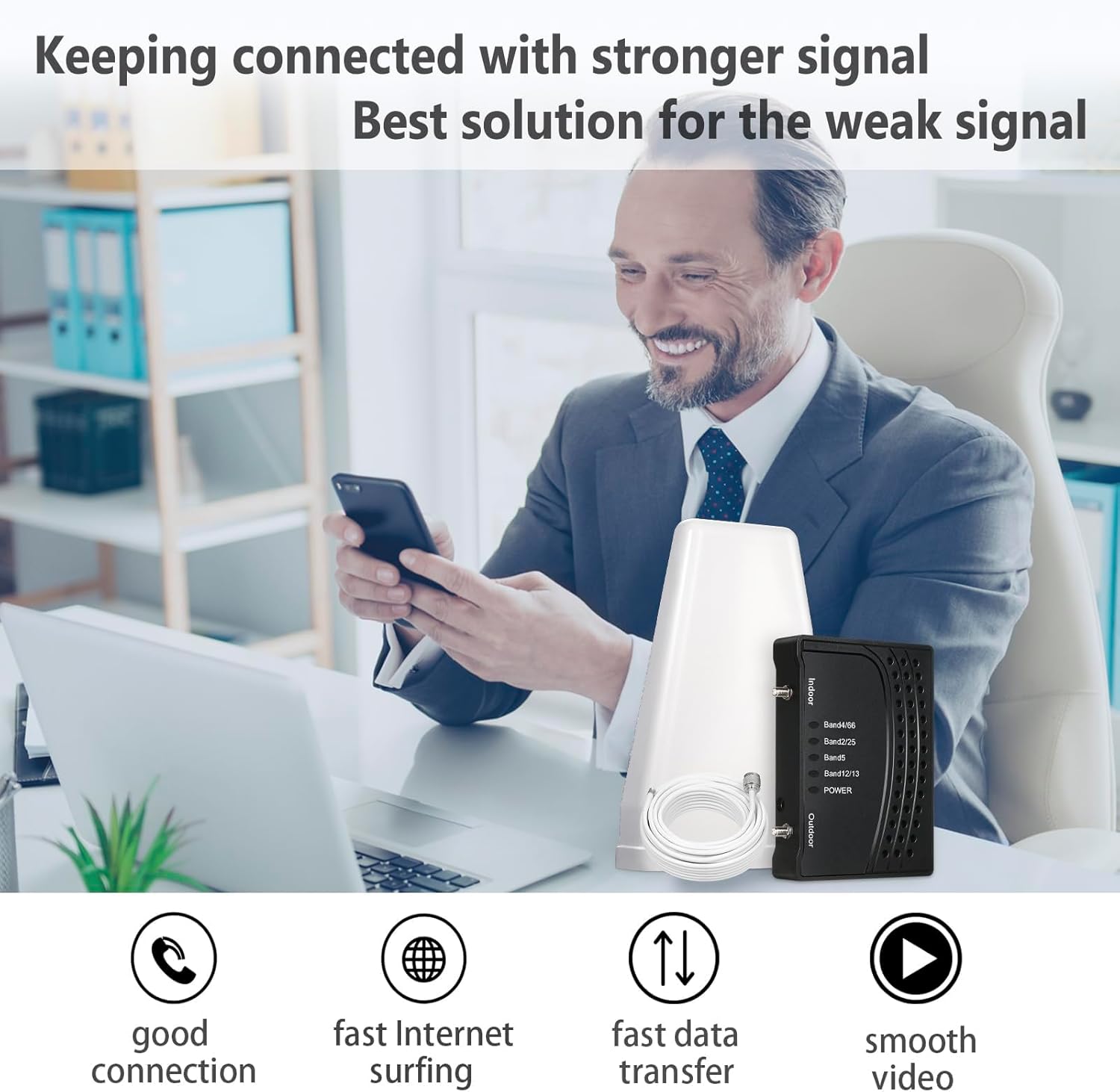
A signal booster is a small amplifier system — typically a box about the size of a thick paperback — that takes the weak cellular signal coming through your window or wall, strengthens it, and rebroadcasts it inside your home so your phone gets a usable connection. The “signal” in question is measured in decibels relative to a milliwatt (dBm): −50 dBm is excellent, −100 dBm is nearly unusable, and most dead zones sit somewhere around −95 to −110 dBm. If you live in an apartment, condo, or any rented space where you can’t drill through the roof or mount hardware on the building’s exterior, you’re working within real constraints — but they’re not deal-breakers. This guide will show you exactly what’s achievable without landlord permission, which products fit that constraint, and where the limits actually are, so you don’t spend $400 on something that can’t fix your specific situation.
| EDITOR'S PICK[SureCall Flare 3.0 Cell Phone S](https://www.amazon.com/dp/B07KBKYV1C?tag=greenflower20-20)… | Mid-tier[SureCall Flare Cell Signal Boos](https://www.amazon.com/dp/B07KBKYV1C?tag=greenflower20-20)… | Budget pickCell Phone Booster for Home Off… | |
|---|---|---|---|
| Coverage area | 3500 sq ft | 2500 sq ft | 2500 Sq.Ft |
| Outdoor antenna | Yagi | Omni | — |
| Max users | Multi-User | Multi-User | — |
| Band support | — | — | Band 5/12/13/17 |
| Price | $394.99 | $319.99 | $84.99 |
| See on Amazon → | See on Amazon → | See on Amazon → |
The Core Problem: Renters Have a Signal Path, Not a Signal Architecture
Homeowners installing a full weBoost system get to place an outdoor antenna on the roof, in the clearest possible line of sight to the nearest tower. That outdoor antenna is doing the heavy lifting — pulling in a signal that might be −85 dBm and handing a much cleaner input to the amplifier.
As a renter, your outdoor antenna is almost certainly going to live in a window, on a balcony railing with a non-penetrating mount, or just inside glass. That’s a meaningful difference. Glass attenuates (weakens) cellular signal by roughly 2–5 dB for standard windows, and 20–40 dB for Low-E glass — the energy-efficient coating used in most apartments built after 2010, per the FCC’s consumer guidance on signal boosters. That coating is effectively a partial Faraday cage.
What this means practically: If your building uses Low-E glass, a window-mounted antenna is starting with a severely degraded input. A booster can only amplify what it receives. If the input is −100 dBm coming through Low-E glass from an already-distant tower, you may push your indoor rebroadcast to −85 dBm — a real improvement, but not the −70 dBm experience you’d get with a rooftop antenna pulling −75 dBm from a clear sky.
The tradeoff is real. Name it early with yourself: renter installs trade peak performance ceiling for zero-modification convenience. For users living in a building with a strong signal just outside the window — say −75 dBm on the street — even a window-mount setup can produce excellent indoor results. For users in buildings with structural signal suppression (thick concrete, Low-E glass, underground units), no booster solves the problem without external antenna access.
What Renters Can Actually Install (and How)
Window-Mounted and Balcony Antenna Setups
The most common renter approach is a flat window antenna or a small directional panel antenna placed against the glass or on a balcony surface. No drilling, no landlord conversation needed.
The weBoost Home Studio (manufacturer-rated at 65 dB gain, ~$200) is specifically designed for this use case. Its flat panel antenna sits against a window, the amplifier sits nearby, and a small indoor antenna rebroadcasts the signal into a single room. PCMag’s overview of residential signal boosters identifies the Home Studio as a reasonable single-room solution for renters who have decent signal outside but a problematic interior.
For anyone needing coverage in two or three rooms, the weBoost Home MultiRoom (~$350) steps up to a wider indoor broadcast radius. The antenna can still be window-mounted; the difference is amplifier power and the indoor antenna’s broadcast pattern. Published specs put its coverage at up to 5,000 square feet under ideal conditions — though owners consistently note that real-world performance in dense buildings is closer to 1,500–2,500 square feet.
The honest ceiling for both: These are 65 dB gain units. That’s meaningful amplification, but the gain figure is a maximum under ideal conditions. If your outside signal is already weak — below −100 dBm — or your window is Low-E glass, you’ll see diminished returns versus the spec sheet.
The Cradle Booster: Cheap, Personal, and Misunderstood
A cradle booster (also called a signal sleeve) is a dock that your phone sits in. It boosts signal only for that phone, only while it’s physically in the cradle. Products like the weBoost Drive Sleek (~$80) are primarily designed for vehicles but are sometimes suggested for renters.
The use case is narrow: you’re working at a desk, you don’t need whole-room coverage, and you just need one phone to have a better data connection. Cradle boosters are not a whole-home solution. CNET’s roundup of signal boosters notes this limitation explicitly, and it’s worth reiterating because a $50–80 entry price point attracts buyers whose expectations are calibrated by the price, not the capability.
Balcony Installations and Non-Penetrating Mounts
If you have a balcony, your options expand meaningfully. A non-penetrating mount — essentially a weighted base with a short mast — lets you position a directional outdoor antenna at the balcony railing height, angled toward the nearest tower, with coaxial cable running through the door gap (or a purpose-built cable pass-through that causes zero permanent damage to the unit).
This setup lets you run the weBoost Home MultiRoom or the SureCall Flare 3.0 (~$300) with a real outdoor antenna getting clean signal, not signal filtered through Low-E glass. The difference in performance can be 10–20 dB — substantial enough to turn a marginal install into a reliable one.
The SureCall Flare 3.0, per its published specifications, offers 72 dB uplink gain and covers up to 4,000 square feet. Reviewers at PCMag rate it as a strong mid-range option for users who can get an antenna to a balcony or window ledge with unobstructed sky view.
By the Numbers: Renter Install Options at a Glance
| Setup | Approx. Cost | Antenna Placement | Realistic Coverage | Best For |
|---|---|---|---|---|
| Cradle booster (Drive Sleek) | ~$80 | Window-adjacent | 1 device, 1 desk | Single-user data work |
| weBoost Home Studio | ~$200 | Window flat-mount | 1–2 rooms | Studio / 1BR apartments |
| SureCall Flare 3.0 | ~$300 | Window or balcony | 2–3 rooms | 1–2BR with balcony access |
| weBoost Home MultiRoom | ~$350 | Window or balcony | 3–5 rooms | 2–3BR with decent outside signal |
The 5G Question: What a Renter’s Booster Can and Can’t Do
Here’s where a lot of buyers get burned by marketing language. “5G booster” is technically accurate for some products and technically meaningless for others, and the distinction matters.
Under FCC Part 20 rules — the regulatory framework that governs all consumer signal boosters sold in the U.S. — boosters can amplify low-band 5G frequencies: primarily Band n71 (600 MHz, used heavily by T-Mobile) and Band n5 (850 MHz). These are the frequencies that travel long distances and penetrate buildings. If you’re in a T-Mobile coverage area and your phone shows “5G” on n71, a modern booster absolutely helps. Per the FCC’s consumer guidance on signal boosters, all compliant boosters must not interfere with carrier networks and must cover the frequency bands they advertise.
What no consumer booster can touch: mid-band 5G (Band n41, 2.5 GHz, the backbone of T-Mobile’s fast “Ultra Capacity” 5G) and millimeter-wave 5G (mmWave, 28/39 GHz, used for dense urban hotspots). These frequencies are too high for the Part 20 framework; the physics and regulatory structure both prohibit it. Any product claiming to “boost mmWave 5G” is making a claim that doesn’t survive basic technical scrutiny.
The practical takeaway for renters: if you’re primarily on T-Mobile and you want to boost the 5G signal you already have in your building’s neighborhood, current boosters work — for the low-band flavor. If you’re chasing Verizon C-band or T-Mobile mid-band, a booster isn’t the tool. A WiFi calling setup on a decent internet connection is.
The Landlord Conversation: When It’s Worth Having
Many renters assume any exterior modification requires a battle. In practice, the conversation is often simpler than expected — especially if you frame it correctly.
A non-penetrating balcony mount causes zero structural damage. A coaxial cable run through a door gap requires a $6 flat-profile cable pass-through, leaves no marks, and is fully reversible. The argument for raising it with your building manager: “I’d like to place a small antenna on my balcony using a weighted mount — no drilling, fully removable.” Most property managers will say yes, particularly if you can show the equipment.
What’s genuinely off the table without lease negotiation: rooftop access, exterior wall penetrations, and any shared infrastructure. The weBoost Installed Home Complete (~$1,000 installed) — our benchmark recommendation for whole-home residential coverage — requires a rooftop or attic antenna install. For renters, that’s the ceiling of what becomes possible only if you’ve negotiated it into your lease or you’re dealing with a cooperative building owner. It’s worth mentioning to aspiring buyers: if you’re in the decision stage between renewing a lease or buying a home, the signal architecture available to an owner is meaningfully different and worth factoring in.
The Decision Rule: If X, Then Y
Here’s the framework for where your money should go:
If your outside signal is −85 dBm or better and you have a standard window (not Low-E glass): The weBoost Home Studio at ~$200 will likely solve a single-room problem. The SureCall Flare 3.0 at ~$300 handles multi-room.
If you have a balcony and outside signal is anywhere from −85 to −100 dBm: Prioritize getting a real outdoor antenna to the balcony using a non-penetrating mount. The weBoost Home MultiRoom or SureCall Flare 3.0 with proper antenna placement will outperform a more expensive unit with a window-only install.
If your building has Low-E glass and no balcony: Run the numbers honestly before buying. Check your signal level outside the building with your phone’s field test mode. If it’s below −100 dBm outside, a booster is unlikely to produce satisfying results and WiFi calling — using your internet connection to route calls and data — may serve you better and costs nothing.
If you’re in a first-floor or basement unit with structural concrete suppression: Signal boosters are almost certainly not your solution. Neither a $200 nor a $700 unit changes physics. Explore your carrier’s WiFi calling options, a carrier-issued microcell (AT&T and Verizon have offered these programs, availability varies by carrier and market as of mid-2026), or raise the exterior antenna access question with your building manager.
For any purchase: Waveform and Powerful Signal both offer free pre-sale design help — a technician will review your specific building layout and signal readings before you commit. That service is worth more than the marginal Amazon discount, especially on a $300–400 purchase you’re trying to get right the first time.